
The New Editing UI
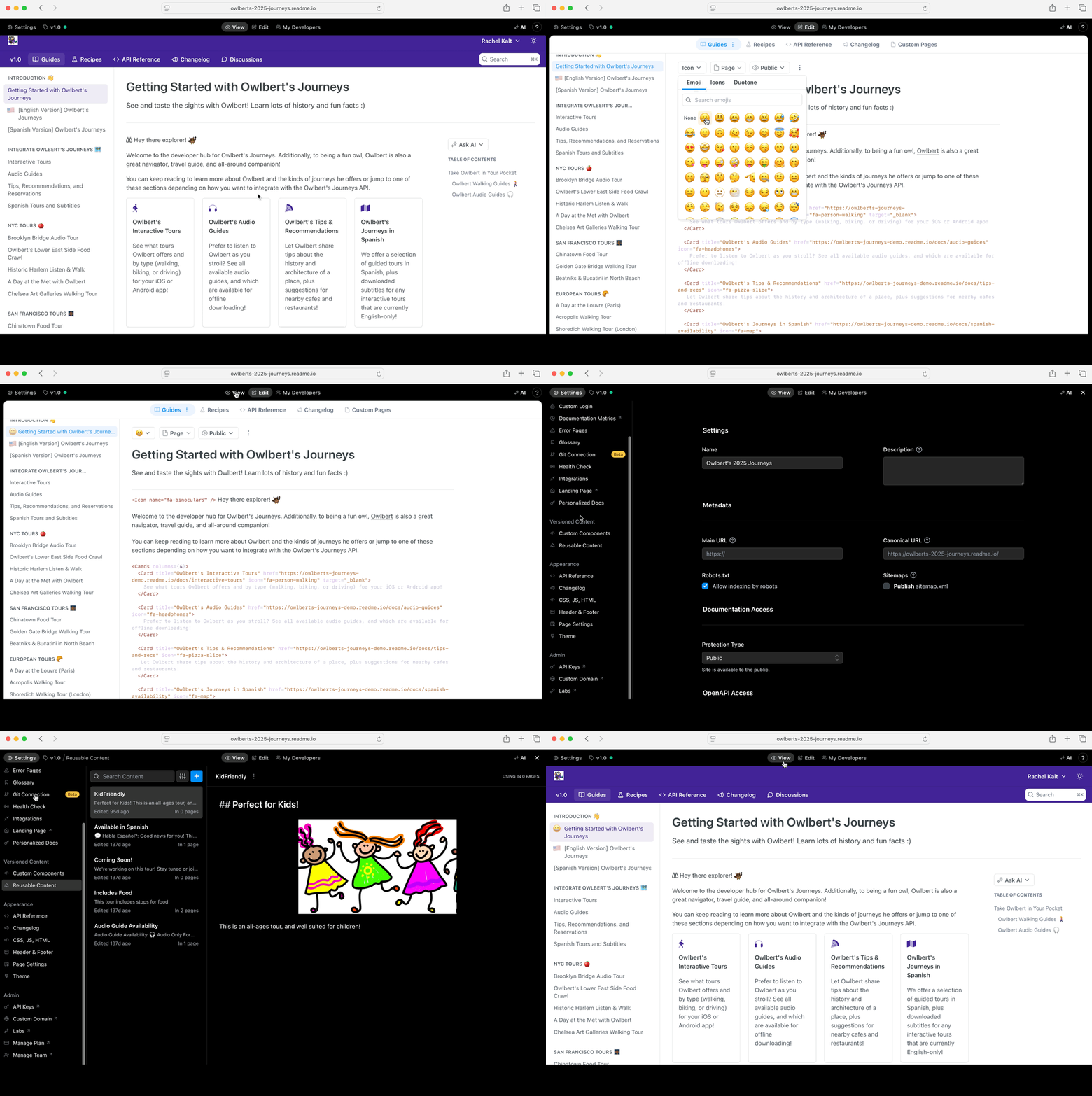
Our new Editing UI brings all docs editing to your live hub, allowing Admins of your team to make edits directly in your docs and easily preview content and appearance changes before they go live.
Key Benefits
- Create, edit, and publish your docs without switching tabs.
- More accurate look at your docs before publishing.
- More accurate search results.
What’s Changed?
View & Edit Modes
Viewing and editing your docs have been reorganized to the navigation. From the navigation you can access all your settings, versions, your docs, edit, my developers, and AI settings.
The glossary shortcut has changed to <<.
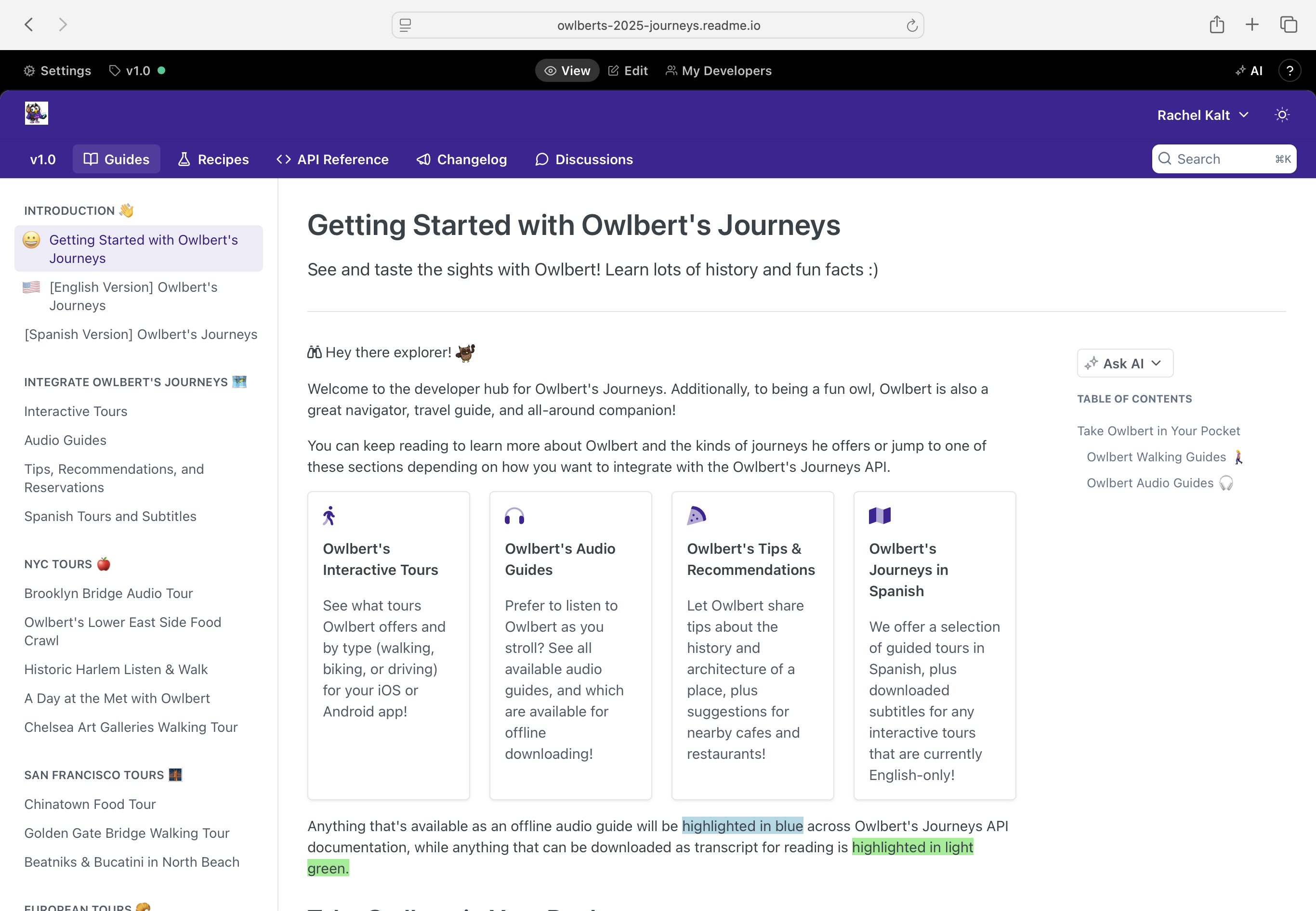
Settings, Appearance, & Versions
Settings are located in the top-left menu. You can now also preview appearance changes to your theme, brand, navigation, and CSS before saving. Versions live separately next to the settings.
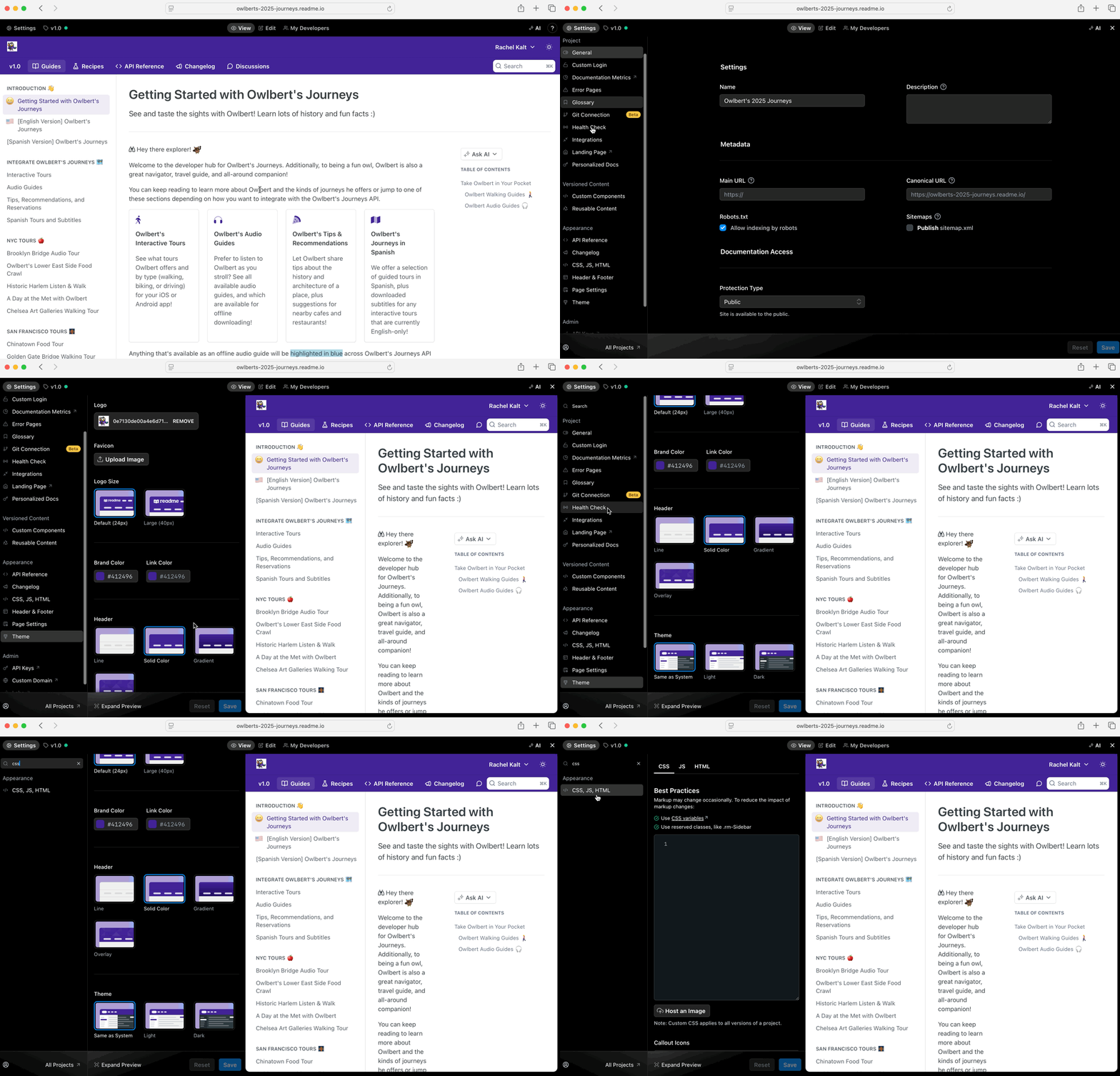
Search
You can search for settings—including their previous names.
What Settings Moved Where?
Several features still exist in our legacy dashboard and will be ported over gradually. You can access them from your legacy dashboard and the links are available from the new ReadMe UI. To see the full breakdown of where everything lives, head to our docs: https://docs.readme.com/main/docs/new-editor-ui#/what-settings-moved-where
Updated about 1 year ago